 TEXT TO VIDEO
From Words to Motion
Describe your scene and turn your ideas into AI-generated video clips.
Create AI-powered videos from text prompts and images. Organize your scenes, explore different versions, and bring your creative vision to life with CineWeave.
Your API key. Your private workspace. Your vision.
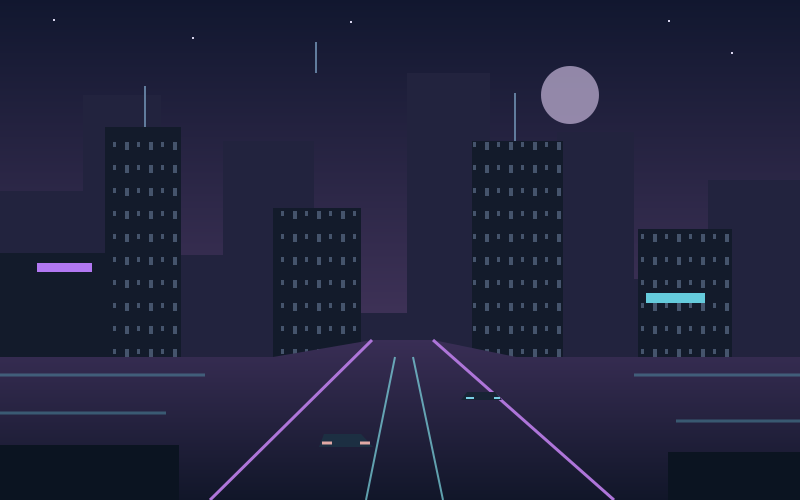 02 / CITY AFTER DARK
Three ways to find your scene. One space to make it yours.
TEXT TO VIDEODescribe your scene and turn your ideas into AI-generated video clips.
 IMAGE TO VIDEO
Transform still images into moving scenes using first-frame and last-frame guidance.
REFERENCE TO VIDEOGuide your video generation with reference images and maintain greater visual consistency.
Organize your creative work into projects and scenes. Generate multiple versions, compare results, and select the take that best fits your vision.
Watch what creators can make with CineWeave, then help us decide which tools to build next.
From imagination to cinematic storytelling. Explore what's possible with AI-powered video creation.
Vote for the features you'd love to see in CineWeave.
Get help refining scene descriptions, camera direction and visual continuity.
Bring selected clips together in an ordered movie, with composition and export tools.
Keep your videos in private cloud storage with secure access from your workspace.
Start from reusable prompt structures and creative presets for common scenes.
Use CineWeave in Ukrainian. Planned localization will cover the public website, onboarding, MiniMax setup guide, Studio interface, settings, navigation, and system messages, while keeping English available.
Explore more video models through additional provider connections.
Create still images and visual starting points inside your creative workflow.
Add music and sound to your stories with clear licensing and export options.
Develop voiceovers and narration for scenes and finished stories.
Work together on projects with deliberate sharing and access controls.
Free to vote, no account needed. This browser remembers your votes. Select Voted to remove a vote. Privacy details.
View Full RoadmapStart a project and organize the scenes that make up your story.
Write your prompt, upload reference images, and configure your generation.
Create your AI video, explore different versions, and save your finished clips.
CineWeave connects to MiniMax using your personal API key. You control your provider account and generation spending, while CineWeave gives you a private workspace to organize projects, scenes and videos.
CineWeave is a private creative workspace for making AI videos with MiniMax. Organize projects, scenes, images and video versions in one place.
Yes, to submit videos for generation. Connect your own standard Pay-as-you-go MiniMax API key; CineWeave does not include free provider credits.
Read the complete MiniMax setup guide →Create an account on the official MiniMax API platform, open API Keys and create a new secret key. Our guide walks you through setup and billing.
Read the complete MiniMax setup guide →The current workspace is free to use and includes 500 MB of private media storage per registered user. MiniMax video generation is billed separately to your provider account.
View official MiniMax pricing ↗Yes. MiniMax bills your own account. Review the estimated cost before confirming submission; the final provider charge may differ.
View official MiniMax pricing ↗Yes. Upload JPEG, PNG or WebP images, use a first frame, a last frame or both, or guide a video with supported reference images.
Yes. Save different generation versions for each scene and select your preferred completed take. Each new submission is a separate provider task.
Each registered user gets 500 MB for uploaded images, saved captured frames and stored MP4s. Prompts, projects, scenes and history metadata do not count. Remove an unselected stored video to free space while keeping its generation history.
Yes. Once the completed MP4 is saved in CineWeave, you can preview and download it from your private Studio.
Use Retry download on the existing task. It recovers the paid result without creating a new generation request. Recovery depends on the provider result still being available.
Public sharing inside CineWeave is planned but is not currently implemented. You can download your videos and share them yourself.
Turn your imagination into motion with CineWeave.
Create Your Account